G-Field for Defence
Defence infrastructure survey forms for authorised teams
The Defence sector in G-Field provides predefined forms for infrastructure and asset surveys. It is intended for authorised personnel working within their organisation's security rules.

Defence
Military and defence infrastructure surveys
What the Defence forms capture
The Defence sector opens with 5 predefined tables, plus Others for a custom form:
- Defence Asset Register
- Base Infrastructure
- Perimeter Inspection
- Equipment Inspection
- Access Point Survey
- Others (custom form)
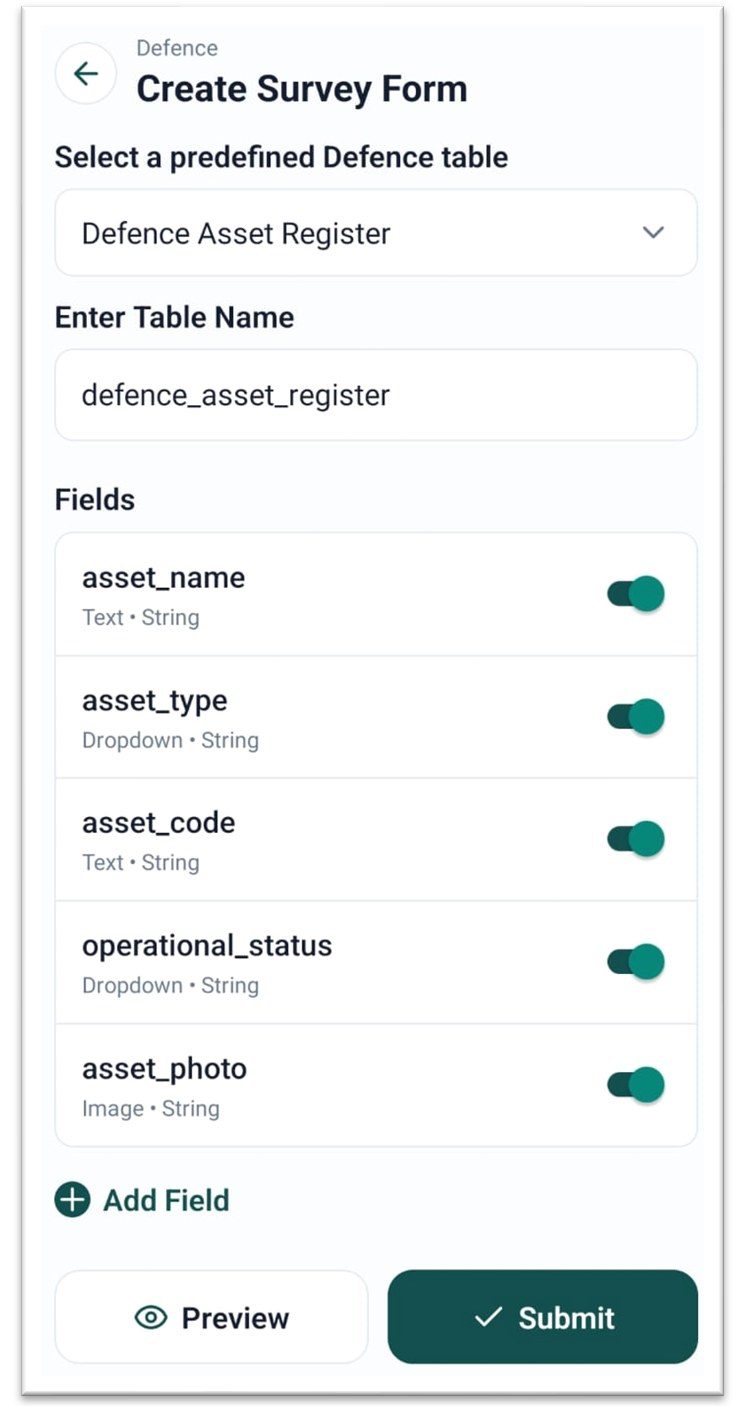
Fields in the Defence Asset Register
The default fields shown in the app include:
- asset_name
- asset_type
- asset_code
- operational_status
- asset_photo
Switch any default field off, or use Add Field to add your own: Text, Dropdown, Radio, Checkbox, Number, Date, Image or Video, stored as String, Integer, Float or Boolean, with an optional unit.
Recommended geometry
Every G-Field form stores one geometry type, following the OGC Simple Features model, with WGS 84 latitude and longitude.
Point
RecommendedAssets, equipment and access points
LineString
Perimeter inspection routes
Polygon
Facility and infrastructure areas
Defence survey workflow in 5 steps
- Confirm with your security officer that collecting the data is authorised, and on which devices and accounts.
- Open Defence, choose Create Form and pick the predefined table you are cleared to use.
- Switch off every field you do not need, and choose the geometry (Point, LineString or Polygon).
- Collect records with Locate My Position, the marker and Submit.
- Share forms only with authorised users, and handle any CSV export according to your data classification rules.
Try G-Field for defence surveys
Install the app, open the Defence sector and build your first form on the phone.
- Questions or a team rolloutinfo@garudalytics.com
- Supportsupport@garudalytics.com